

Mastering Google Business Profile Optimization for Better Local Search Performance
Google Business Profile (GBP) is the centralized listing that connects local businesses to searchers, maps, and discovery features; optimizing it directly influences local visibility, clicks, and conversions. This guide explains practical steps for setup and verification, core profile optimizations, customer engagement tactics, advanced strategies, and how to run a focused audit to prioritize fixes. Local SEO professionals and small-business owners can use these methods to improve discovery and drive more qualified visits from nearby customers. The article emphasizes actionable how-to guidance, quick wins for immediate improvement, and monitoring tactics that translate GBP activity into measurable local search performance. You will find step-by-step verification instructions, field-level best practices, engagement templates, advanced feature recommendations, and an audit checklist to identify high-impact work. Throughout, we include semantic tips for categories, photos, reviews, and insights so you can optimize for both Google’s systems and human searchers.
Optimizing Your Google Business Profile for Local SEO Success
Setting up and verifying a Google Business Profile begins with accurate core data and ends with confirmation from Google using an approved method. Accurate setup signals relevance and reduces friction for users contacting your business. Verification establishes ownership and unlocks editing privileges, which you need to complete the profile and apply optimization tactics. The next subsections show exact steps, category selection rules, and why consistent NAP matters for local ranking.
What Are the Steps to Claim and Verify Your Business Profile?
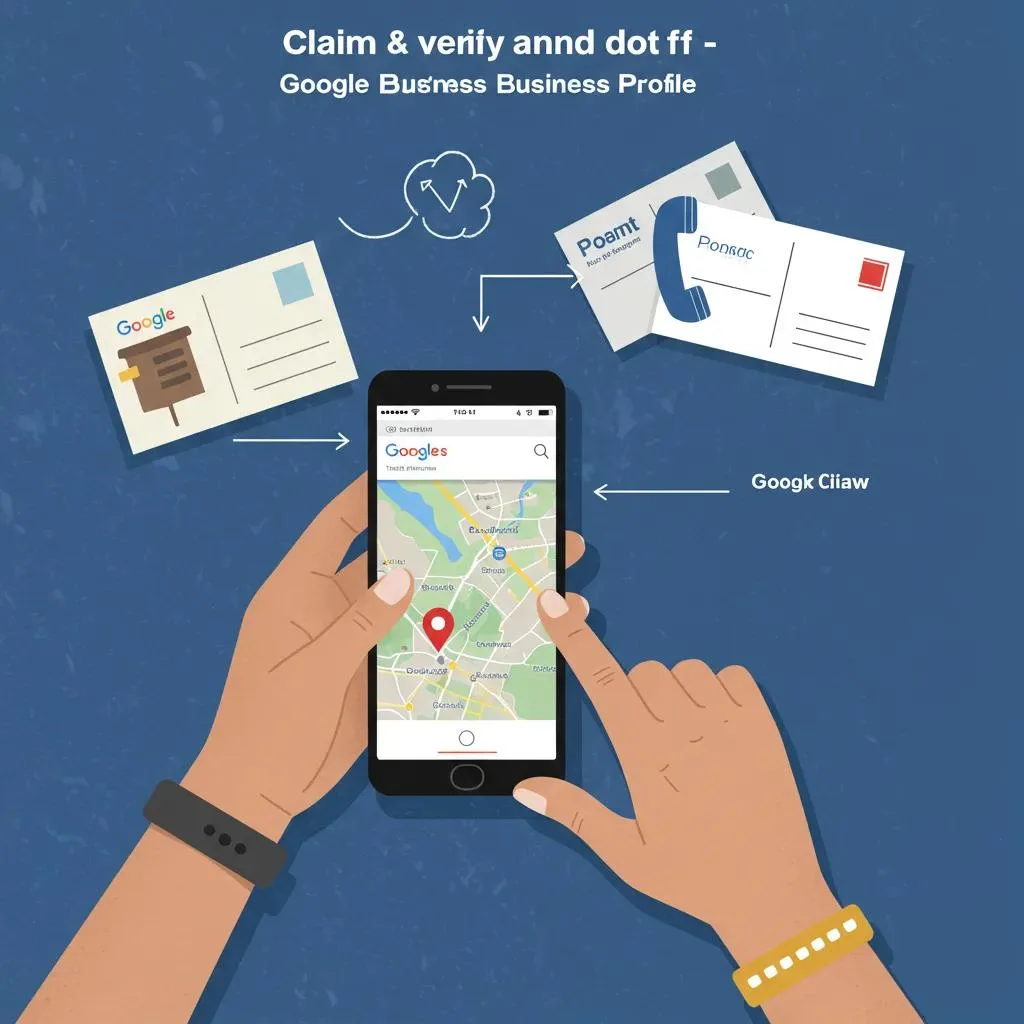
Claiming and verifying starts with locating the existing GBP entry or creating one and then proving ownership to Google. Follow these numbered steps for a clean verification path.
- Search for your business name in Google Maps and click “Claim this business” or create a new profile if none exists.
- Provide accurate legal name, physical address, and a business phone that matches public citations.
- Choose a verification method offered by Google and follow its instructions until confirmation completes.
After verification, immediately set your primary category and upload photos to ensure the profile is discoverable. These verification steps prepare your profile for the optimizations covered next.
How Do You Choose the Best Primary and Secondary Business Categories?
Choosing categories requires prioritizing specificity and relevance to typical search queries for your services. Select one primary category that precisely describes your main service and add secondary categories for additional offerings. Research local competitors’ categories and pick the most specific available option that matches user intent. Treat the primary category as the dominant signal for relevance and adjust secondary categories to reflect real services offered.
Why Is NAP Consistency Critical for Your Google Business Profile?
Name, Address, and Phone (NAP) consistency is a trust signal that supports citation accuracy across directories and reduces duplicate listings. Inconsistent NAP data confuses Google’s matching algorithms and can split reviews or lower prominence. Audit citations on major directories and correct mismatches to create a single canonical NAP record. Maintain citation synchronization as changes occur so the profile remains authoritative over time.
Intro to verification methods table: compare verification options so businesses can pick the fastest appropriate route. This table summarizes common verification approaches, expected timing, and typical documents required.
| Verification Method | Typical Timeframe | Typical Requirement |
|---|---|---|
| Postcard | 5–14 days | Physical address for postcard delivery |
| Phone | Minutes–hours | Business phone number eligible for automated code |
| Minutes–hours | Owner email matching domain or account | |
| Video Call | 1–2 business days | Device with camera, business location, and proof of operation |
Selecting the right verification route depends on business type and access to listed contact methods. The table helps you choose the method that balances speed and proof requirements, which in turn enables immediate profile edits.
What Are the Best Practices to Optimize Core Google Business Profile Information?
Core GBP fields require structured, entity-rich entries that map to searcher intent and schema properties to maximize relevance. The business description, categories, hours, photos, and product/service entries together form the profile’s semantic signals. Implement these best practices to improve how Google understands and surfaces your profile in local queries. The following subsections break down description writing, photo geotagging, hours, and product listings.
How Do You Craft an Effective, Entity-Rich Business Description?
A strong description defines what you do, where you operate, and what differentiates you, using natural entity mentions without keyword stuffing. Begin with primary services and location, then add unique selling points and service highlights in short sentences. Use structured phrases that align with LocalBusiness schema properties to aid entity recognition. Finish by linking the description conceptually to services and product listings so users and systems find the most relevant pages.
Intro to EAV table for core fields: this table links profile elements to best-practice actions you can implement quickly.
| Profile Element | Optimization Action | Best Practice |
|---|---|---|
| Description | Use natural entity mentions | State main service, location, differentiator |
| Photos | Geotag and caption images | Upload interior/exterior and worker/action photos |
| Hours | Add special hours for events | Keep normal and special hours synchronized |
| Products/Services | Add detailed entries and links | Use clear names, short descriptions, and prices if available |
What Are the Tips for Uploading High-Quality, Geotagged Photos and Videos?
Photos and videos should show real locations, staff, and products to build trust and local relevance, with file names and captions that include location entities. Use high-resolution JPEGs and maintain aspect ratios that display well across devices. Geotag images where possible through EXIF or upload workflows and add concise captions that describe the scene and include locality references. Refresh media regularly and remove outdated images to keep the profile current and engaging.
How Should You Manage Business Hours and Special Hours?
Set regular hours accurately and add special hours for holidays or temporary closures to prevent customer confusion and negative experiences. Use special hours to reflect events or seasonal changes and update them ahead of time. Keep your website and GBP hours synchronized to avoid mismatches that can reduce trust. Establish a simple calendar check (monthly) to verify and update hours as needed.
How Do You List Products and Services to Enhance Profile Relevance?
List services and products with clear names, brief descriptions, and price indications when appropriate to match long-tail search queries. Link entries conceptually to on-site pages that expand on the offering and include schema where possible. Prioritize items by search demand and conversion likelihood to surface the most relevant offerings first. Regularly review and refresh listings based on seasonal demand or changes in your business.
Within this best-practices section: experts sometimes prefer done-for-you implementations. Whidbey Digital Marketing provides a Google Business Profile Optimization Service that handles entity-rich descriptions, geotagging photos, and structured product listings for local businesses in Oak Harbor and Whidbey Island. They also offer a Free Google Business Profile Audit to identify immediate fixes.
Summary transition: with core fields optimized, engagement strategies drive further ranking and conversions by leveraging social proof and activity.
How Can You Leverage Customer Engagement to Boost Your GMB Performance?
Customer engagement signals such as reviews, responses, posts, and Q&A demonstrate relevance and activity to search systems and users. Engaged profiles show fresher content and generate more clicks and calls. The next sections outline review generation, response templates, post strategies, and proactive Q&A tactics to elevate trust and visibility.
What Strategies Generate More Positive Customer Reviews?

Encourage reviews at natural moments after service completion and make the link to review flows easy to access. Train staff to request feedback warmly and follow up with short reminders for satisfied customers. Use printed or emailed reminders that reference specific service experiences to prompt detailed reviews. Ensure all review requests comply with platform policies to avoid removal and maintain authenticity.
Google Local Optimization Strategy for Retailers: Increasing Traffic and Conversions
The Purpose of the presented research is to substantiate the importance of the local optimization of the retailer’s business for search engines to increase organic traffic; to represent insights and give practical recommendations for retailers regarding local optimization of their business in Google as part of an effective marketing strategy; to create the typical valid data micromarking (by the example of the Ukrainian retailer), which will contribute to an advantageous placement in the Local Pack in comparison with competitors, and increase organic traffic and conversion.
Business optimization in the digital age: Insights and recommendations, A Natorina, 2020
Why Is Responding to All Reviews Important for Ranking and Trust?
Responding promptly to reviews shows prospective customers you listen and helps shape public perception while adding fresh, local-keyworded content to the profile. Use polite appreciation for positive reviews and concise, de-escalating language for negatives followed by an invitation to resolve offline. Response templates increase consistency and speed while preserving voice. Treat responses as an ongoing reputation management activity to sustain prominence.
How Do Google Posts Help Communicate Offers, Events, and Updates?
Google Posts let you surface timely offers and events directly in search results and on Maps, driving click-throughs and actions. Use short headlines, a single clear CTA, and a concise description to fit display constraints. Post regularly for promotions, new services, or community events and track performance through GBP Insights. Keep a steady cadence so posts remain current and aligned with seasonal marketing.
How Should You Manage Q&A to Provide Clear, Snippet-Optimized Answers?
Proactively seed common questions and approve concise, entity-rich answers to guide users and capture snippet slots. Monitor Q&A frequently and replace long conversational replies with short, factual answers that include location and service entities. Use Q&A to deflect basic queries and link users conceptually to deeper resources. This practice reduces misinformation and improves the profile’s navigational clarity.
What Advanced Strategies Improve Google Business Profile Performance and Local SEO Rankings?
Advanced GBP tactics include enabling booking and messaging, leveraging insights for data-driven changes, and using local ranking factor intelligence. These strategies reduce friction, increase conversions, and align optimization efforts with measurable outcomes. The following H3s explain booking, analytics, ranking signals, and monitoring evolving algorithms.
How Do Booking Links and Messaging Features Enhance Customer Interaction?
Booking and messaging reduce friction by letting customers act without extra steps, improving conversion rates from the profile. Integrate scheduling platforms supported by GBP and set clear SLAs for response times to avoid missed leads. Monitor messaging volume and allocate staff responsibilities to maintain timely replies. Ensure privacy practices and opt-out options are in place when using messaging features.
How Can You Use Google Business Profile Insights and Analytics to Measure Success?
Track discovery vs direct views, website clicks, calls, and direction requests as primary KPIs to evaluate GBP performance. Correlate changes in these metrics with profile edits or campaigns to identify effective tactics. Use a monthly review cadence to spot trends and a quarterly plan to test optimizations. Insights guide prioritization between content updates, review outreach, and paid local campaigns.
What Local SEO Ranking Factors Are Influenced by Your Google Business Profile?
GBP influences relevance (categories, description), distance (proximity to searcher), and prominence (reviews, activity, citations), which together shape local pack outcomes. Improve each factor with targeted actions: refine categories, build citation consistency, and boost authentic review flow. Expect incremental ranking changes within weeks for engagement fixes, while citation authority grows over months. Prioritize high-impact items that are low effort first.
How Do You Stay Updated with Google Business Profile Algorithm Changes?
Follow official Google channels and reputable industry outlets, and set a profile review cadence to adapt quickly to platform updates. Maintain a change log of edits and observe correlation with Insights to detect algorithmic shifts. Use monitoring tools and community reports to spot feature rollouts and test adjustments in a controlled manner. A disciplined review schedule keeps profiles aligned with the latest GBP behavior.
How Do You Conduct a Google Business Profile Audit to Identify Optimization Opportunities?
A GBP audit identifies completeness gaps and prioritizes fixes that improve local visibility and conversions. Audits score fields such as categories, NAP, photos, reviews, posts, and Q&A and translate findings into a prioritized action plan. The next subsections list key audit elements, turning results into tasks, and tools to maintain monitoring.
What Are the Key Elements to Check in a GMB Profile Audit?
A focused audit checks completeness, category accuracy, NAP consistency, media quality, review volume and responses, post cadence, Q&A hygiene, and Insights patterns. Each element has a quick “why it matters” note to justify priority. Use a simple scoring method (complete, partial, missing) to mark items and estimate impact. Quick fixes often include correcting NAP, adding a primary category, and uploading quality images.
Intro to audit checklist table: use this mini-audit table to mark status during a quick self-check.
| Audit Item | Check | Status / Notes |
|---|---|---|
| Completeness | All fields filled | |
| Categories | Primary specific | |
| NAP | Matches citations | |
| Photos | High-quality, geotagged | |
| Reviews | Recent responses |
Use the table to capture immediate actions and communicate priorities to teams or consultants. Marking status helps convert audit findings into a practical roadmap.
How Can Local Businesses Use Audit Results to Improve Their Profile?
Translate audit scores into a prioritized action list: high-impact, low-effort items first, then medium and long-term projects. Assign ownership for each task and set review dates to measure impact. For tasks beyond internal capacity, consider professional help for technical items or sustained reputation work. The audit should feed a 30/60/90 day plan that focuses on visibility wins first and measurement improvements next.
After completing a self-audit, many businesses prefer an expert second opinion. Whidbey Digital Marketing, a Digital Marketing Agency serving Oak Harbor and Whidbey Island and led by TJ Ewen, offers a Free Google Business Profile Audit that reviews categories, NAP consistency, photos, reviews strategy, and insights. Requesting this audit provides a concise checklist and prioritized recommendations for immediate action.
What Tools and Resources Help Monitor GMB Performance Continuously?
Use GBP Insights, Google Search Console, and analytics to track traffic and conversions, and consider local tools for citation monitoring and geo-grid testing. Free tools can handle basic monitoring while paid services automate citation checks and review alerts. Establish a monthly reporting cadence with key metrics and an action log to ensure improvements persist. Continuous monitoring turns one-off optimizations into lasting local search performance gains.