
Mastering Google Business Profile: Optimized for Local Visibility
Google Business Profile (formerly GMB) is Google’s local business listing system that connects your brand to Google Search and Maps, and mastering its optimization drives more local visibility, qualified traffic, and customer actions. This article teaches practical, actionable steps for setup and verification, completing and optimizing profile fields, leveraging posts and media, earning and managing reviews, and tracking performance with metrics that matter. Many local businesses lose visibility from incomplete profiles, inconsistent NAP data, or weak engagement tactics; this guide remedies those gaps with checklist-style instructions, EAV tables, and workflow recommendations tailored for local search engines and Google Maps SEO. Read on to learn step-by-step verification methods, best-practice profile fields, post and media strategies including geo-tagging, review acquisition and response templates, plus the KPI table and tools to monitor progress. By the end you will have a prioritized action list to improve local ranking factors and an option to request a professional audit if you want an expert review of your profile.
How Do You Set Up and Verify Your Google Business Profile?
A Google Business Profile begins with creating or claiming a listing under a verified Google account so Google can associate your business information with Maps and Search; verification confirms ownership and unlocks full profile features that drive visibility.
Verification methods include postcard-by-mail, phone, email, instant verification for some account types, and bulk verification for multi-location businesses; choose the method that matches your scale and documentation.
Accurate verification accelerates eligibility for local pack and maps placement, while resolving common issues like duplicate listings or suspended accounts requires careful following of audit steps.
The next section provides a concise, numbered setup checklist for claiming and verifying your listing.
What to do when claiming and verifying your listing:
- Sign in with a Google account tied to the business owner or manager and search for your business name.
- If the listing exists, click “Claim this business” and request verification; if not, create a new profile and complete the primary fields before verifying.
- Choose verification by postcard, phone, email, instant, or bulk (for 10+ locations) and follow Google’s instructions within the stated timeline.
These steps remove the biggest barrier to local visibility and prepare your profile for complete optimization and ongoing management.
What Are the Steps to Claim and Verify Your GMB Listing?
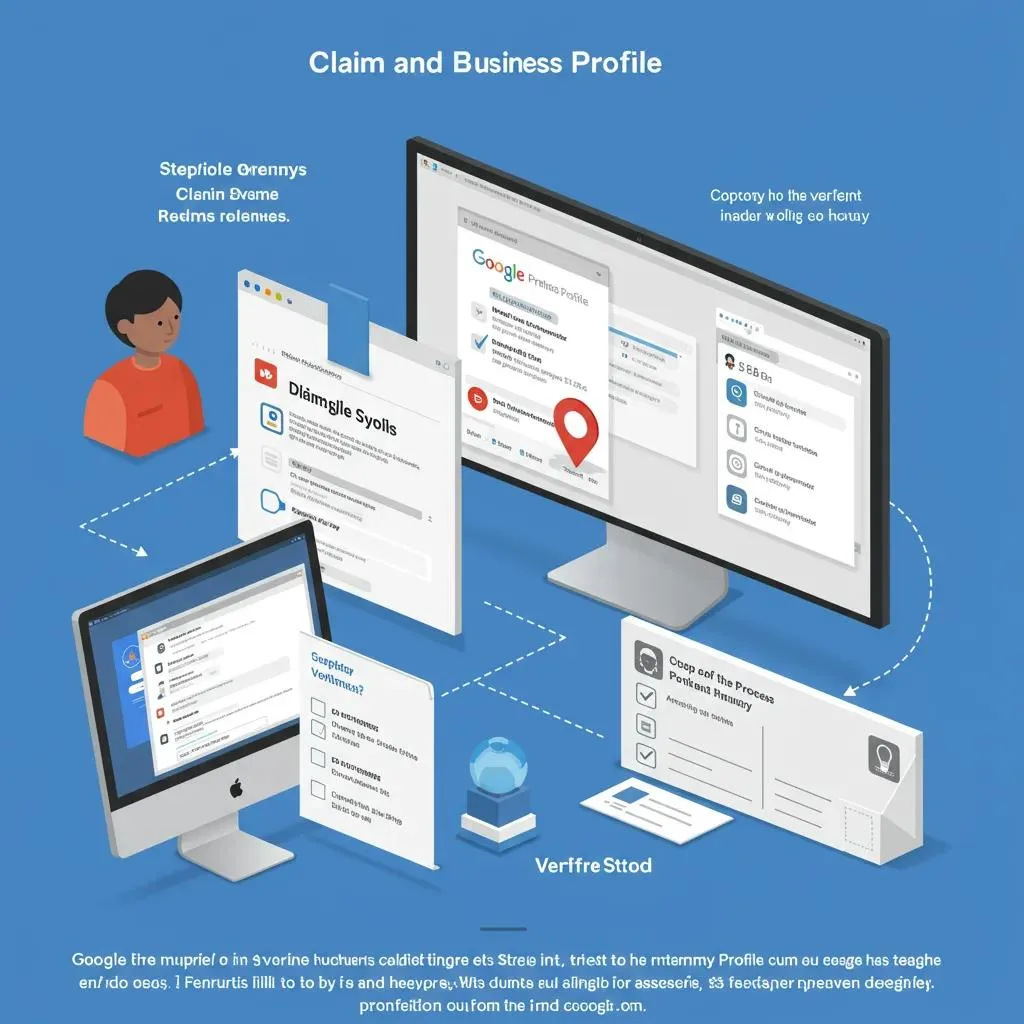
Claiming and verifying starts with signing in to Google with a business email, locating your business, and selecting the correct entry so the listing reflects the canonical name and location.
Once you request verification, follow the chosen method’s prompts—postcards typically arrive in 5–14 days while phone or email methods can be immediate—and complete the verification to gain access to insights and editing privileges.
If you encounter duplicate listings or a suspended profile, document the discrepancy and use the support flow to submit identity and proof to Google; persistent issues often require methodical cleanup of citations and duplicate entries.
After verification, confirm that your profile displays accurately on Search and Maps before moving to optimization steps.
Why Is Verification Crucial for Local SEO Success?
Verification signals to Google that you control the profile and allows you to publish updates, respond to reviews, and access Insights that inform local SEO decisions, which collectively improve trust and ranking potential.
Verified profiles are more likely to appear in the local pack, gain prominence in Maps queries, and show call or direction actions that drive conversions.
Additionally, verification reduces the risk of third-party edits or incorrect information that fragment your NAP and harm local relevance; maintaining a verified, authoritative profile is a foundational step for further optimization.
Ensuring verification is therefore both a technical and reputational priority for local businesses aiming to increase organic traffic.
What Are the Best Practices for Optimizing Your GMB Business Information?
Profile completeness and consistency are core to Google Business Profile optimization: maintain canonical NAP on your website and across citations, choose a precise primary category, fill services/products, set accurate hours, and use attributes to convey unique offerings. Consistent information builds local relevance and reduces ambiguity for both users and Google’s algorithms, while well-chosen categories and attributes align your profile with relevant queries and featured snippets. Below is an EAV-style comparison of critical profile fields with recommended values and action items to guide audits and updates.
| Profile Field | Best-Practice Value | Action Item |
|---|---|---|
| Business Name | Exact trading name used on website | Use canonical name; avoid keyword stuffing |
| Address | Full physical address matching website contact page | Standardize formatting and correct abbreviations |
| Phone | Local phone number consistent across citations | Use one primary number and update directories |
| Primary Category | Most specific category matching core service | Select a narrow category, add relevant secondaries |
| Secondary Categories | Services and specialties | Add only accurate, relevant categories |
| Services/Products | Detailed service list with descriptions | Populate services and prices when allowed |
| Attributes | Accessibility, appointment options, payment types | Use attributes that reflect actual offerings |
Maintaining these fields reduces friction for users and improves Google’s ability to match your business to local queries, which in turn drives more organic traffic.
For businesses that prefer expert help with NAP audits, category selection, or profile completion, Whidbey Digital Marketing provides local SEO, website design, and digital marketing services tailored to Oak Harbor and Whidbey Island, which can be an efficient next step.
How to Ensure NAP Consistency Across All Listings?
Establish a canonical source (typically the website contact page) and audit top citation sources to ensure the same business name, address, phone number, and URL format appear everywhere. Prioritize fixing errors on high-authority directories (major aggregators, maps, and industry-specific sites) and document each correction to maintain an audit trail. Use a combination of automated citation tools and manual checks to catch discrepancies and avoid small variations that fragment authority, like different abbreviations or suite numbers. Keeping this canonical record simplifies bulk updates and prevents mismatches that confuse search engines.
How to Choose the Right Categories and Attributes for Your Business?
Select the most specific primary category that directly describes your core offering and add secondary categories only if they accurately reflect additional services; overly broad or irrelevant categories dilute relevance. Perform lightweight competitor category analysis by observing top-ranking local competitors’ primary categories and test small changes while monitoring GMB Insights for shifts in query types and visibility. Attributes such as “online appointments” or accessibility features should be used honestly to match customer expectations and improve click-through and action rates. Periodic review of categories ensures alignment with service changes or new product launches.
How to Optimize Business Hours and Contact Details for Maximum Engagement?
Set regular hours to match real-world operations and use special hours for holidays or one-off closures so users see accurate availability in search results and avoid wasted visits. Include appointment links and ensure phone numbers are click-to-call on mobile; these simple contact optimizations increase conversions and signals to Google that the profile is maintained. For appointment-based businesses, indicate booking options and response expectations to lower friction for customers. Regularly audit hours seasonally and when operational changes occur to keep the listing current.
How Can You Leverage Google Posts, Photos, and Videos to Boost Engagement?
Google Posts, photos, and videos increase engagement by adding fresh content, highlighting offers and events, and improving relevance for local searches; optimized media also encourages clicks, calls, and direction requests. Regular posting with compelling CTAs keeps your profile active, while high-quality photos and short videos build trust and provide visual proof of services or storefronts. The following table summarizes media specs and best practices for upload, geo-tagging, and metadata to help content creators prepare assets correctly before publishing.
| Media Type | Recommended Attribute | Best Practice |
|---|---|---|
| Photo | High-resolution (800–1200px) | Use descriptive filenames and alt text with local keywords |
| Video | 30–60 seconds | Include captions, concise titles, and local context |
| File Naming | Include city or neighborhood | Use readable, descriptive names for SEO signals |
| Geo-tagging | Embed location where possible | Use trusted tools to set coordinates before upload |
| Captioning | Include CTA and relevant keywords | Encourage actions like call or direction requests |
Optimized media not only helps users decide but also supplies Google with richer signals about location and relevance; combine photos of your interior, exterior, team, and products for a balanced visual profile. Next, practical post types and templates show what to publish and when for maximum local impact.
What Types of Google Posts Drive Local Customer Interaction?
Local businesses see higher engagement from posts that offer time-sensitive value: limited offers, events, service launches, and local announcements prompt clicks and visits. Use clear CTAs—Call, Book, Learn more—and concise value statements that match user intent, for example an event with date/time and a direct booking CTA for appointment-driven services. Aim for a predictable posting cadence like weekly updates and special offers ahead of local events or holidays to stay top-of-mind. Combine posts with complementary photos or a short video to increase visibility and action rates.
How to Upload and Geo-Tag Photos and Videos for Better Local Search?
Prepare images with descriptive filenames containing local keywords, add alt text in captions when possible, and use metadata editors or trusted tools to set geographic coordinates before uploading to the profile. Keep videos short with captions and a clear opening shot of your storefront or service to anchor the location visually, which helps Google associate the media with your physical place. Avoid misleading metadata; always reflect accurate location and content to maintain trust and comply with platform policies. Regularly refresh media to show seasonal offers or new inventory and measure engagement via GMB Insights.
What Strategies Help You Earn and Manage Google Reviews Effectively?

Reviews are critical trust signals that influence click-through and ranking; a targeted review strategy increases both quantity and quality of feedback while protecting reputation through prompt, thoughtful responses. Ethical review acquisition focuses on asking at high-satisfaction moments, simplifying the process with direct review links, and using follow-up reminders without incentives that violate policies. Responding publicly to reviews demonstrates responsiveness and can turn negative experiences into conversions by showing corrective actions and empathy. The next list outlines practical review-generation tactics you can implement today.
Effective review tactics:
- Ask for reviews in person right after service when satisfaction is high and provide a simple path to leave feedback.
- Send a short follow-up message with a direct review link and a clear request, timed 24–72 hours after purchase.
- Train staff to explain how reviews help local visibility and to mention the process without incentivizing reviewers.
These tactics increase review flow while maintaining compliance and authenticity, and they complement response best practices described next.
How to Encourage More Positive Reviews from Customers?
Encourage reviews at moments of peak satisfaction, like immediately after a successful service interaction, and make the process frictionless by providing direct review links in follow-ups. Use short, friendly scripts your team can follow and automate reminders through email or SMS sequences while respecting opt-in rules and avoiding incentives that violate policies. Track which touchpoints generate the highest review rates and refine your timing, message, and channel accordingly. Measuring review velocity and sentiment helps you prioritize customer experience improvements that organically lead to better ratings.
What Are Best Practices for Responding to Reviews on GMB?
Respond promptly and personally, thanking positive reviewers and addressing negative feedback with empathy, a concise acknowledgement, and a private escalation path for resolution. Use response templates that personalize details and avoid generic language; always invite offline contact for complex issues while summarizing corrective steps taken. Monitor sentiment trends and leverage positive quotes for site testimonials with customer permission. A consistent response cadence signals active management and can improve conversion from search result to customer action.
How Do You Track and Improve Your Google Business Profile Performance?
Tracking hinges on monitoring GMB Insights metrics—search vs. map views, profile views, actions (website clicks, calls, direction requests), and queries that lead to your listing—to understand how users discover and interact with your profile and to prioritize optimizations. Combine these insights with GA4 to measure site traffic originating from your profile and use local rank trackers for geo-grid reporting and competitor category analysis to identify gaps. Below is a KPI table outlining metrics, recommended monitoring cadence, and target actions to drive improvement.
| Metric | How Often to Monitor | Target / Action |
|---|---|---|
| Total Views (Search + Maps) | Weekly | Increase month-over-month by improving posts and photos |
| Customer Actions (Calls, Website clicks) | Weekly | Aim for steady growth; optimize CTAs if flat |
| Direction Requests | Monthly | Use geo-tagged photos and accurate hours to boost |
| Queries Leading to Listing | Monthly | Adjust categories/descriptions when new queries appear |
| Review Count & Rating | Ongoing | Respond within 48 hours and encourage new reviews |
Use tools like BrightLocal or local rank trackers for geo-grid and competitor visibility, and run quarterly audits of NAP and categories.
For businesses seeking hands-on help, Whidbey Digital Marketing offers a Free Google Business Profile Audit to identify quick wins and longer-term opportunities; request the audit to get a prioritized list of actions tailored to Oak Harbor and Whidbey Island local search conditions.