

High Converting User-Friendly Small Business Websites That Drive Sales
A high-converting, user-friendly small business website puts visitors on a short path from discovery to action by combining clear information architecture, fast performance, and conversion-focused design. This article explains what those sites include, why each element matters for local businesses, and step-by-step tactics you can implement to turn visits into leads and sales. Many small business owners struggle with sites that look good but don’t convert, lose mobile visitors, or fail to capture leads into a reliable follow-up system; this guide gives practical solutions to fix those issues. You will learn essential features to prioritize, design tactics that increase conversions, SEO actions that drive local traffic, and affordable build options so you can choose the right approach for your budget. The sections that follow cover feature checklists, mobile and navigation best practices, conversion techniques and CRM flows, local SEO steps, and platform comparisons so you can make decisions that improve both traffic and revenue.
Designing User-Friendly Small Business Websites That Drive Sales
A user-friendly small business website balances usability, trust, and speed so visitors can complete tasks quickly and confidently. Core elements include responsive layouts, obvious calls-to-action, secure pages, and concise service pages that answer customer intent; these features reduce friction and directly support conversions. Below is a compact comparison of key features and their immediate user and business benefits to guide quick decisions when auditing a site.
| Feature | Characteristic | Primary Benefit |
|---|---|---|
| Mobile Responsiveness | Adaptive layouts & touch-friendly CTAs | Higher engagement and completion rates on phones |
| Fast Page Load | Optimized images and caching | Lower bounce rate and improved SEO rankings |
| Clear CTAs & Contact Points | Prominent buttons and simple forms | Increased lead capture and bookings |
| Trust Signals | SSL, testimonials, review excerpts | Higher credibility and conversion likelihood |
This table clarifies why investing in each area yields measurable improvements in user experience and search visibility. Next we examine mobile responsiveness in depth and practical steps to make sites truly mobile-first.
How Does Mobile Responsiveness Enhance User Experience and Sales?

Mobile responsiveness means layouts, images, and CTAs adjust to phone screens so visitors can act without pinch-zooming or hunting for buttons. Responsive design improves task completion by ensuring touch targets, readable typography, and simplified navigation appear where users expect them. Recent traffic patterns show a majority of local searches come from mobile devices, so a mobile-responsive small business website directly influences lead volume and on-site conversion rates. Practical steps include prioritizing above-the-fold CTAs, minimizing heavy scripts, and testing forms on multiple screen sizes to reduce friction and increase bookings.
Why Is Intuitive Navigation Critical for Local Business Websites?
Intuitive navigation connects visitors to high-value actions—appointments, calls, or contact forms—within one or two clicks, reducing cognitive load and decision friction. Local business navigation should prioritize service pages, pricing/booking, location info, and contact actions so users searching by intent find answers immediately. Clear labels, consistent menu placement, and contextual links to the Google Business Profile or service landing pages keep users moving toward conversion without confusion. Improving navigation typically shows quick gains in time-on-site and conversion metrics because users reach mission-critical pages faster.
How Can Small Business Website Design Drive More Sales?
Conversion-focused design shifts the goal from simply informing visitors to guiding them toward predictable actions using evidence-based elements and testing. Effective sites combine analytics, A/B testing, and staged lead flows (hero CTA → service page → short capture form) so you can measure which UX changes boost conversion rates. Social proof, trust indicators, and urgency cues (limited-time offers or visible availability) help nudge hesitant buyers to act. Below is a compact list of practical CTA examples and placements that service-based small businesses can implement immediately.
- Book Now: Primary hero CTA for appointment-driven businesses, placed in the header and hero.
- Get a Free Quote: Ideal on service pages with a short capture form and follow-up automation.
- Request Availability: Useful for scheduling and shows scarcity when integrated with calendar slots.
These CTAs work best when paired with microcopy that states the benefit and a short form that captures only essential fields. After implementing CTAs, measure conversion rate changes and iterate with small A/B tests to refine copy, color, and placement for steady gains.
For local businesses that need help implementing conversion and CRM flows, Whidbey Digital Marketing in Oak Harbor, WA offers Website Design services focused on custom, mobile-friendly, SEO-optimized sites with CRM integration to capture and nurture leads. Their local expertise means configurations are tuned for regional search behaviors and follow-up automation. If your primary goal is more organic traffic to site and reliable lead tracking, consider requesting an SEO review or audit to identify quick wins.
Small Business Website Optimization: Enablers, Influencers, and Assessment
This paper explores the enablers, influencers, and an assessment approach for small business website optimization. It identifies key factors that contribute to successful website optimization for small businesses, aiming to improve their online presence and performance. The study highlights the importance of understanding these elements to achieve better outcomes in the digital landscape.
An exploration of small business website optimization: enablers, influencers and an assessment approach, G Simmons, 2011
What Are Effective Calls-to-Action for Small Business Websites?
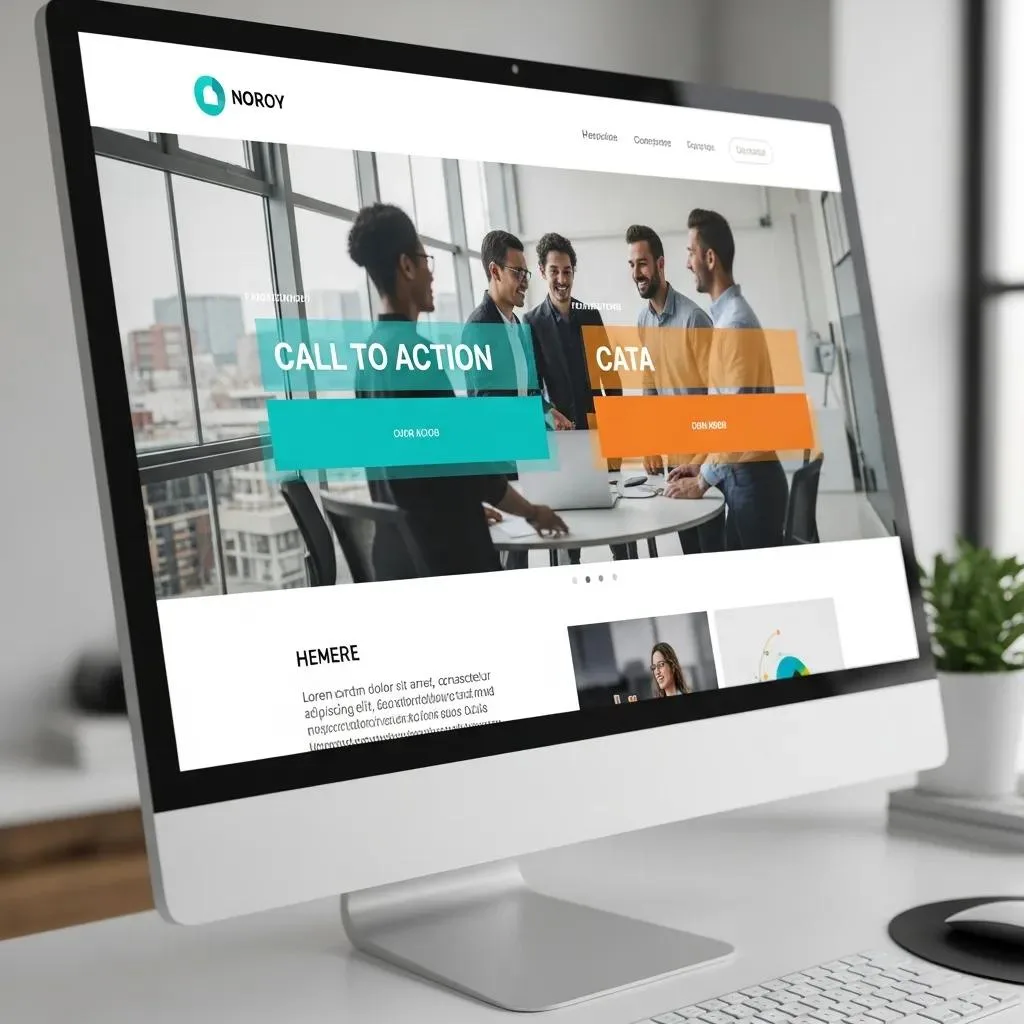
Effective CTAs use clear action verbs, communicate the immediate benefit, and appear at predictable points across the site so visitors have multiple opportunities to convert. Use a primary action in the hero and persistent secondary CTAs in service pages and the footer to capture different intent levels. Microcopy under buttons can reduce hesitation (for example, “Book now — free 15-minute consult”) while urgency or social proof near CTAs boosts response. Keep forms minimal—name, contact, and one qualifying question—and route submissions into a CRM to ensure timely follow-up and conversion tracking.
How Does CRM Integration Streamline Lead Management and Boost Sales?
CRM integration takes captured leads from forms, chats, and booking tools and places them into automated pipelines with tags, reminders, and nurture sequences so no lead slips through the cracks. When a website pushes new leads into CRM, teams can trigger welcome emails, assign follow-up tasks, and measure lead-to-sale timelines for continuous improvement. This automation reduces manual handoffs, increases response speed, and improves conversion rates because outreach happens when prospect interest is highest. Implementing CRM integration typically involves mapping form fields to CRM properties and setting up at least one automated follow-up sequence.
Which SEO Strategies Increase Traffic and Sales for Small Business Websites?
Targeted SEO for small businesses focuses on on-page relevance, local signals, and technical performance to attract qualified local traffic that converts. Key tactics include optimizing service pages for transactional keywords, creating localized content for nearby service areas, managing citations and reviews, and ensuring fast mobile performance coupled with schema markup for enhanced results in search features. The numbered list below lays out prioritized SEO actions you can start implementing to increase local visibility and conversions.
- Optimize service pages for intent-driven keywords and include clear local modifiers.
- Claim and fully populate your Google Business Profile, then publish regular posts and photos.
- Build consistent local citations and solicit verified customer reviews for reputation signals.
- Improve technical SEO: speed, mobile friendliness, and structured data (schema) for local entities.
| SEO Tactic | Action | Immediate Outcome |
|---|---|---|
| Local SEO | GBP optimization & citations | Increased local visibility and map-pack placement |
| On-page Optimization | Service-focused content & meta tags | Better matching to transactional searches |
| Technical SEO | Speed and mobile fixes | Lower bounce rate and improved rankings |
These steps create a foundation for sustained organic growth and help convert local searchers into leads. For businesses seeking assistance that delivers more organic traffic to site, an audit identifies prioritized fixes and content gaps that often produce rapid improvements when addressed.
While organic strategies are crucial, a comprehensive online presence often benefits from targeted paid efforts. For businesses looking to accelerate their reach and generate immediate leads, exploring digital advertising campaigns can complement SEO efforts effectively, driving qualified traffic through platforms like Google Ads and social media.
SEO and Local Optimization for Small Business Visibility and Conversion
The SEO increases the business visibility on the Internet in comparison with priority competitors, promotes better communication and interaction in accordance with varied requests of online buyers (customers, clients). SEO is especially important for successful retailers’ business characterized by constant bifurcations in the short and long term.The Purpose of the presented research is to substantiate the importance of the local optimization of the retailer’s business for search engines to increase organic traffic; to represent insights and give practical recommendations for retailers regarding local optimization of their business in Google as part of an effective marketing strategy; to create the typical valid data micromarking (by the example of the Ukrainian retailer), which will contribute to an advantageous placement in the Local Pack in comparison with competitors, and increase organic traffic and conversion.
Business optimization in the digital age: Insights and recommendations, A Natorina, 2020
How Does Local SEO Improve Website Visibility for Small Businesses?
Local SEO increases a small business’s presence in map packs and neighborhood searches by aligning on-site signals with off-site citations and reviews. Consistent NAP (name, address, phone) across directories, locally relevant content, and active reputation management combine to improve trust and local relevance for search engines. Creating dedicated local landing pages for service areas and encouraging location-specific reviews typically yields measurable increases in clicks and calls from nearby customers. Measuring local ranking and GBP-driven actions helps prioritize which areas of optimization produce the best ROI.
What Role Does Google Business Profile Optimization Play in Driving Website Traffic?
A fully optimized Google Business Profile drives clicks, calls, and directions, often appearing above organic results for high-intent local queries and funneling visitors to key pages. Completing profile fields, adding services, photos, and regular posts improves relevance and increases the likelihood of featuring in local pack results. Tracking GBP-sourced website clicks and calls gives direct insight into which listing optimizations drive meaningful traffic and conversions. Integrating GBP strategy with on-site local landing pages ensures visitors find consistent information and conversion paths when they click through.
What Affordable Website Solutions Help Small Businesses Build User-Friendly Sites?
Choosing between DIY website builders and custom design depends on goals, budget, and growth plans; both can produce user-friendly sites but differ in flexibility, SEO potential, and integration options. Builders offer speed and lower upfront cost, while custom design provides tailored UX, advanced performance tuning, and easier CRM integration for long-term growth. The short pros/cons list below helps owners pick the right route based on expected ROI and technical needs.
- Custom Design: Higher upfront cost but tailored UX, faster performance, and seamless CRM integration.
- Website Builders: Lower cost and quick launch, but limited advanced SEO control and integration flexibility.
- Hybrid Approach: Start with a builder for testing, then migrate to custom when growth requires advanced features.
| Approach | Cost Profile | Benefit |
|---|---|---|
| Custom Design | Higher | Tailored UX, scalability, CRM & advanced SEO |
| Website Builder | Lower | Faster launch, lower maintenance overhead |
| Managed Template | Moderate | Balanced control with some performance tuning |
For Oak Harbor and nearby businesses needing a custom, performance-oriented build with CRM integration, Whidbey Digital Marketing provides local website design services that prioritize mobile responsiveness, SEO optimization, and lead-tracking workflows. Their local focus helps align site strategy with community search behavior, and they offer a free website audit to surface quick improvements that raise conversions.
How Do Custom Website Designs Compare to Generic Website Builders?
Custom designs allow precise control over layout, performance optimization, and integration points such as CRM and booking systems, which supports complex lead funnels and higher conversion rates. Website builders reduce time-to-launch and cost but can restrict fine-grained SEO, schema, and speed optimizations that matter for competitive local searches. For small businesses planning growth or needing CRM flows and advanced analytics, custom design often yields superior long-term ROI despite higher initial investment. Choosing the right path depends on current needs, resource availability, and expected traffic growth.
What Website Features Are Must-Haves for Small Business Sales Success?
Certain features are non-negotiable for sales-driven small business sites: clear CTAs, simple lead-capture forms, mobile speed optimization, SSL security, visible reviews, and analytics integration to measure outcomes. Implementing these elements together forms a conversion system: attract via SEO and GBP, convert via UX and CTAs, and retain via CRM-driven follow-up. Prioritize quick wins—improving page speed and adding a primary hero CTA—then iterate using analytics and A/B testing to refine messaging and flows for higher conversions.